PRODUCT UPDATE
Product Update: February 2026
20.02.2026
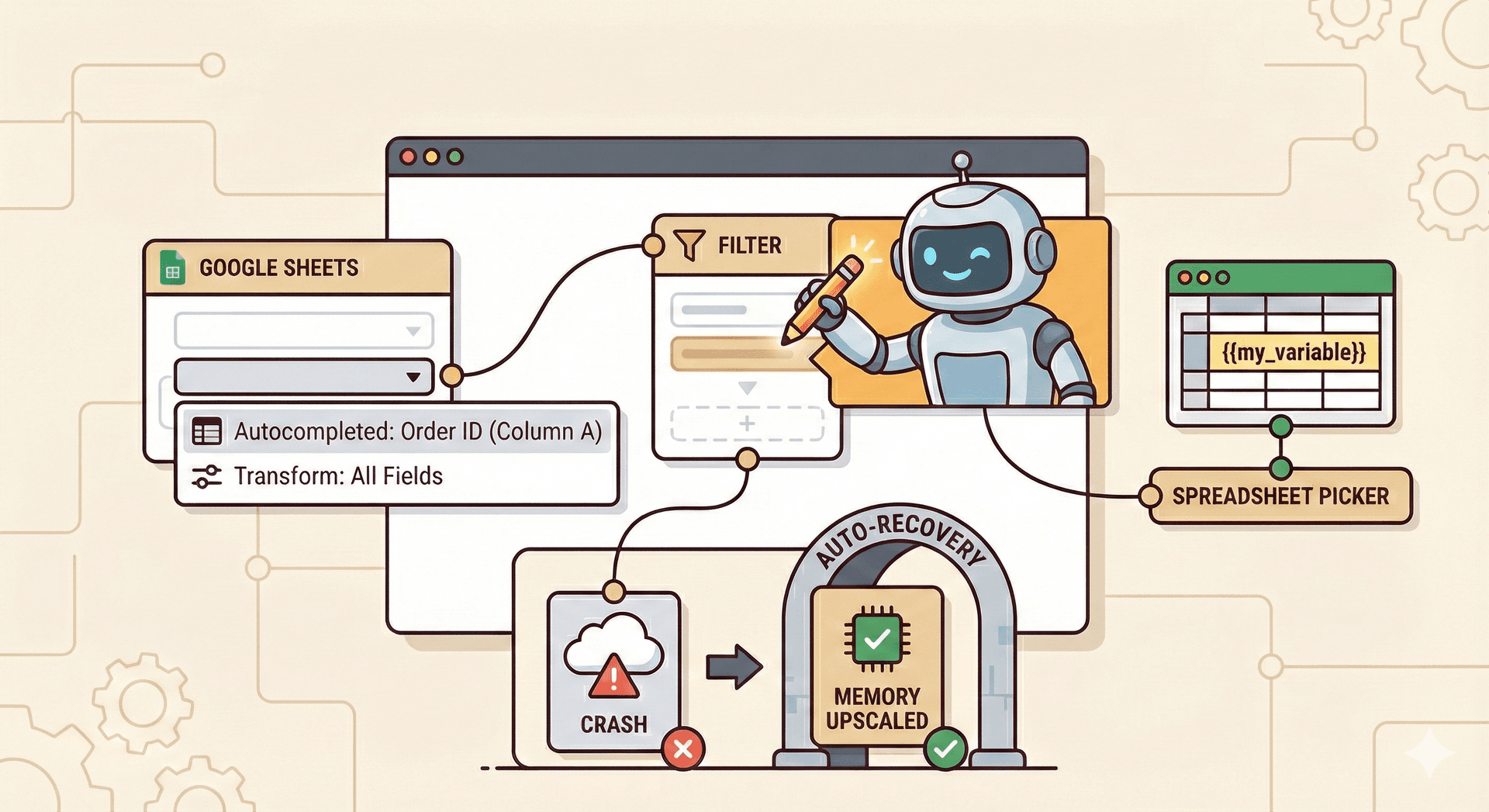
AI agent in the flow builder
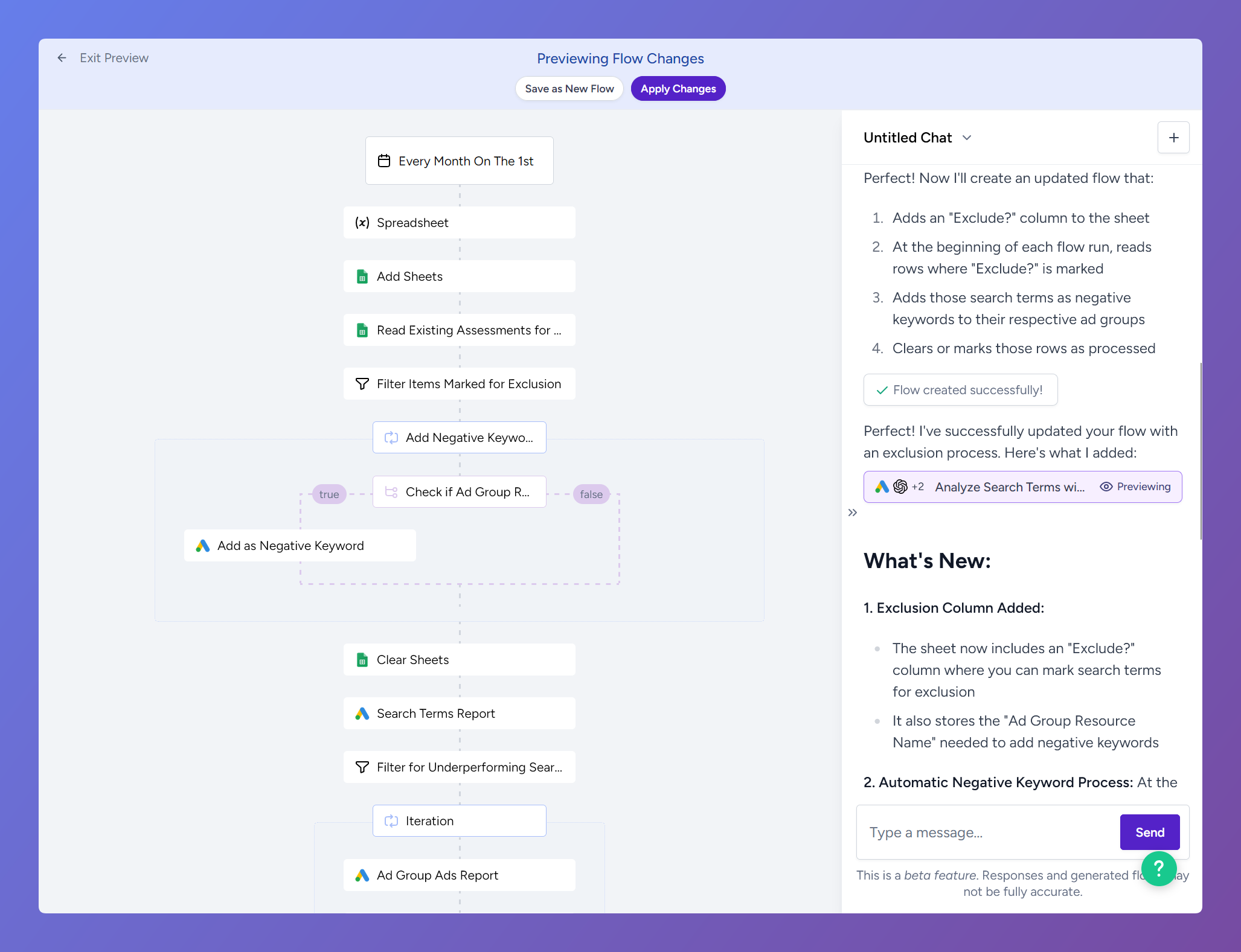
The AI agent is now available directly inside the flow builder overlay. You can open it while working on a flow and ask it to make changes for you without leaving the builder.
What makes this powerful is that the agent can edit your existing flows. Instead of only being able to create new flows from scratch, you can now select a flow you're already working on, describe what you want to change, and the agent will modify it. Need to add a filter step, swap out a data source, or restructure a section of your flow? Just ask.
The agent is also significantly more reliable at producing working flows on the first attempt. It validates its own drafts before applying them, and if it detects missing inputs or configuration issues, it will flag them and guide you through what needs to be fixed.
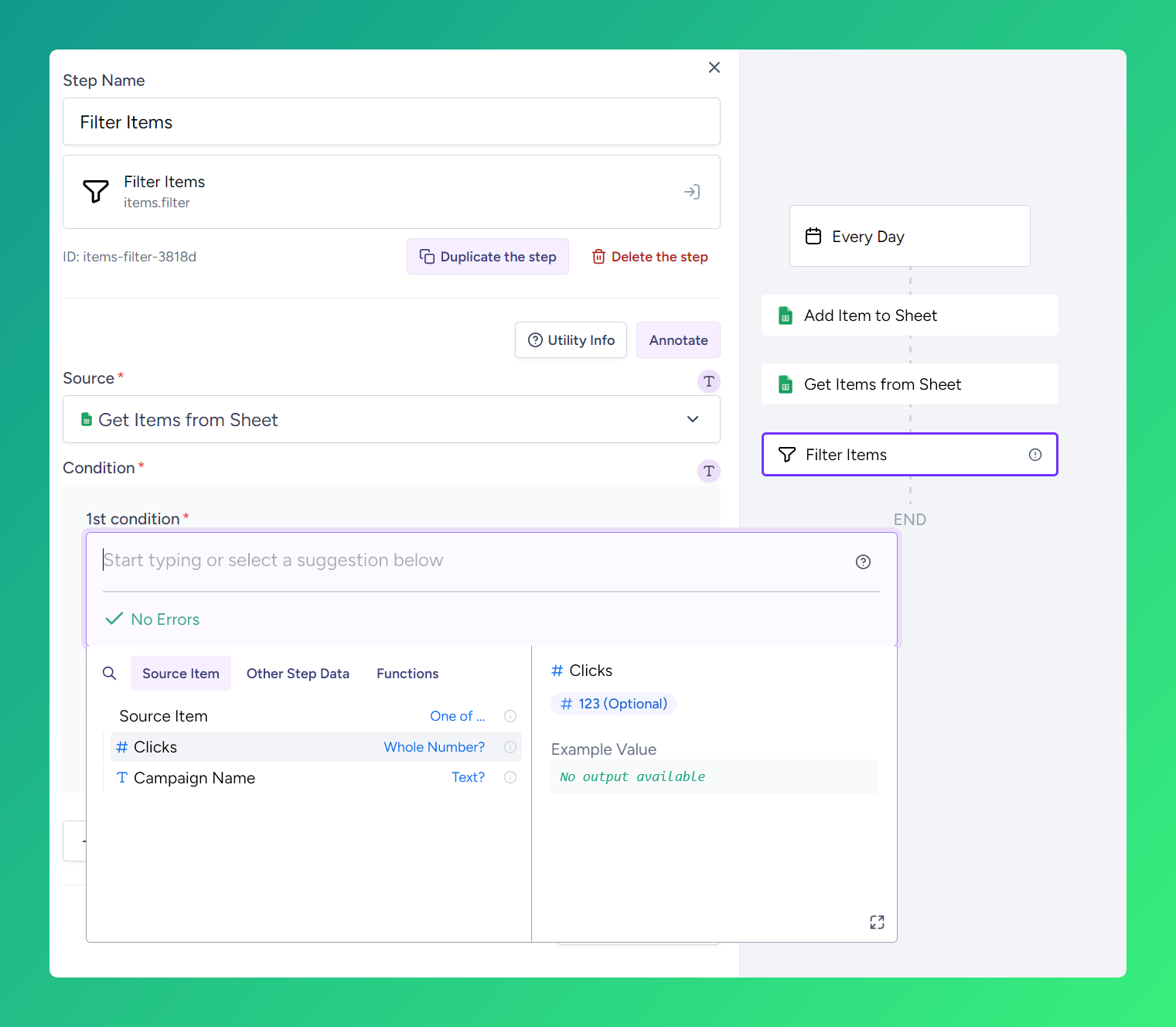
Smarter autocompletion
We've made a series of improvements to how the flow builder understands and suggests data throughout your flows. The result is autocompletion that is noticeably more accurate and context-aware.
Cross-step type inference for Google Sheets. When you add items to a Google Sheet earlier in a flow and then read from that same sheet later, the flow builder now understands the connection. It infers the column types from the write step and uses them to offer correct suggestions in downstream steps, even before the flow has run.
Transform items respects existing fields. When using the "Transform Items" step with the "add all existing fields" option, autocompletion now correctly includes the source item fields in its suggestions. Previously, it only showed the fields you explicitly mapped.
Google Ads custom report output types. Custom GAQL reports in Google Ads now provide proper output type information. The flow builder parses your query, resolves each selected field to its type, and uses that to power accurate autocompletion for downstream steps.
More accurate data previews. Data sample previews throughout the flow builder are more accurate and responsive. They better reflect the actual shape of data that will flow through each step at runtime.
Automatic crash recovery
Flows that crash due to running out of memory are now automatically recovered. When a crash is detected with high memory usage, Shopstory upscales the flow to a larger memory tier and re-queues the execution, without any manual intervention.
This means that if your flow processes a large dataset and hits a memory limit, it will automatically retry with more resources.
Spreadsheet picker improvements
The spreadsheet picker in the flow builder now properly supports variable references. If your flow uses a variable that resolves to a spreadsheet, the picker recognizes and displays it correctly. The same applies to outputs from "Create Spreadsheet" actions used earlier in the flow.
This makes it much easier to build dynamic flows where the target spreadsheet isn't hardcoded but comes from a variable or a previous step.
Other improvements
- AI agent responses now render tables correctly.
- The AI agent handles long-running requests more gracefully with a streaming timeout, showing a clear error if a request takes too long instead of silently failing.
- ClickUp action dropdown components (like the workspace selector) now properly support formula inputs.
- Meta learning stage info status is now properly handled as optional.
- Google Ads integration was upgraded to the latest Google Ads API version v23.
More to Explore
Discover more insights from our latest articles










© 2025, Shopstory